
PHP String Functions – Complete Guide for Beginners (with Examples)
In this tutorial, you’ll learn how PHP string functions work with easy examples. We’ll show you how...
Basic introduction about what is php, benifits of php and how it runs on server and why it's widely used to build dynamic websites
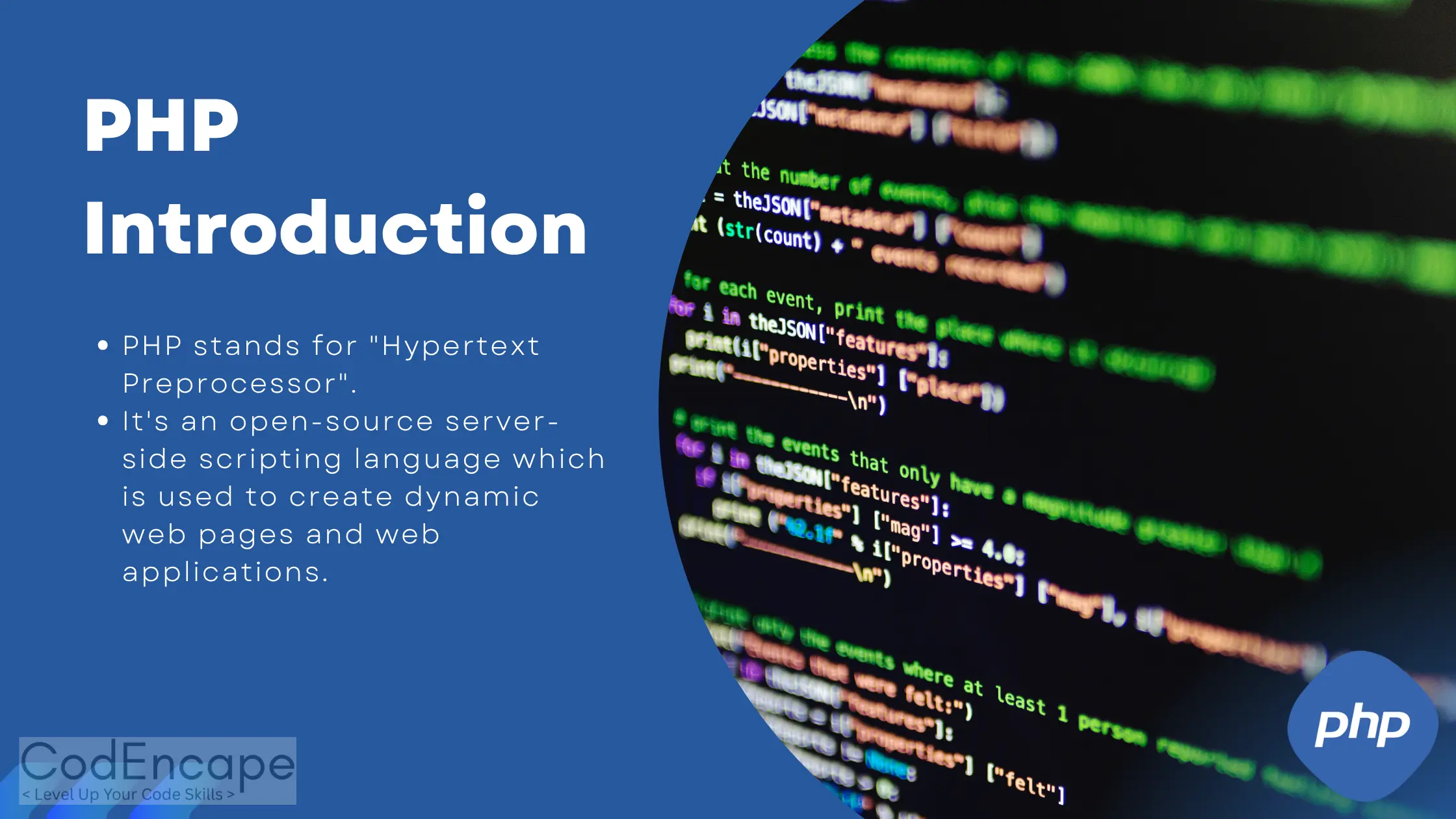
PHP stands for "Hypertext Preprocessor". It's an open-source server-side scripting language which is used to create dynamic web pages and web applications. PHP code is embedded within HTML Code.PHP is used to interact with databases, handle forms, manage sessions and perform various backend tasks that allow websites to be interactive and functional.
PHP is an open-source scripting language, you can customize, improve, and share it without any licensing costs, and can build dynamic websites and applications.
As compared to other languages, php syntax is very easy and simple so anyone can learn it and start coding quickly.
PHP is a platform-independent language, it can run on any OS like Windows, Linux or macOs.This flexibility allows you to build and deploy PHP applications on any server environment without any issues.
PHP is highly flexible and works with a wide range of databases, including MySQL, PostgreSQL, SQLite, and more. This compatibility allows you to choose the best database for your project and handle the data with easy
PHP has a vast and active community of developers , forums, tutorials, and open-source projects. This strong support network makes it easy to find solutions,
You can embed PHP code directly within front-end technologies like HTML, JavaScript, and CSS and make dynamic web pages and web applications. In HTML page you can any where add the PHP code blog by adding php start tag and end tag.
You can embed PHP code directly within front-end technologies like HTML, JavaScript, and CSS and make dynamic web pages and web applications. In HTML page you can any where add the PHP code blog by adding php start tag and end tag.
XAMPP is a free and open-source web server package that includes Apache, MySQL (MariaDB) AND PHP. It provides an easiest way to set up a local server environment for testing and developing PHP applications.
WAMP is a same as xampp but its only for Windows that includes Apache, MySQL, and PHP.
LAMP is a popular open-source web server stack consisting of Linux, Apache, MySQL, and PHP. It is widely used for hosting and developing dynamic websites and web applications on Linux-based systems.
<?php
  echo "Hello, Codencape!";
?>PHP is used for creating dynamic websites, web applications, and APIs. It can connect with databases, handle forms, and generate content dynamically.
Yes, PHP is an open-source scripting language, and free to download and use.
The latest stable version of PHP (as of 2025) is PHP 8.x with modern features and better performance.
No, You can not run PHP Code wihout server. You need a server environment like XAMPP, WAMP, or LAMP to run PHP files in local system.
If you’re just starting with PHP, it’s important to go beyond the basics. You can also check out our detailed guide on Understanding Variables, Data Types, and Operators in PHP to strengthen your foundation.
In this tutorial, you’ll learn how PHP string functions work with easy examples. We’ll show you how...
Control structures in PHP allow developers to control the flow of code execution. In This tutorial,...
Learn the basics of PHP with an introduction of variables, data types, and operators to create dynam...
Basic introduction about what is php, benifits of php and how it runs on server and why it's widely...